
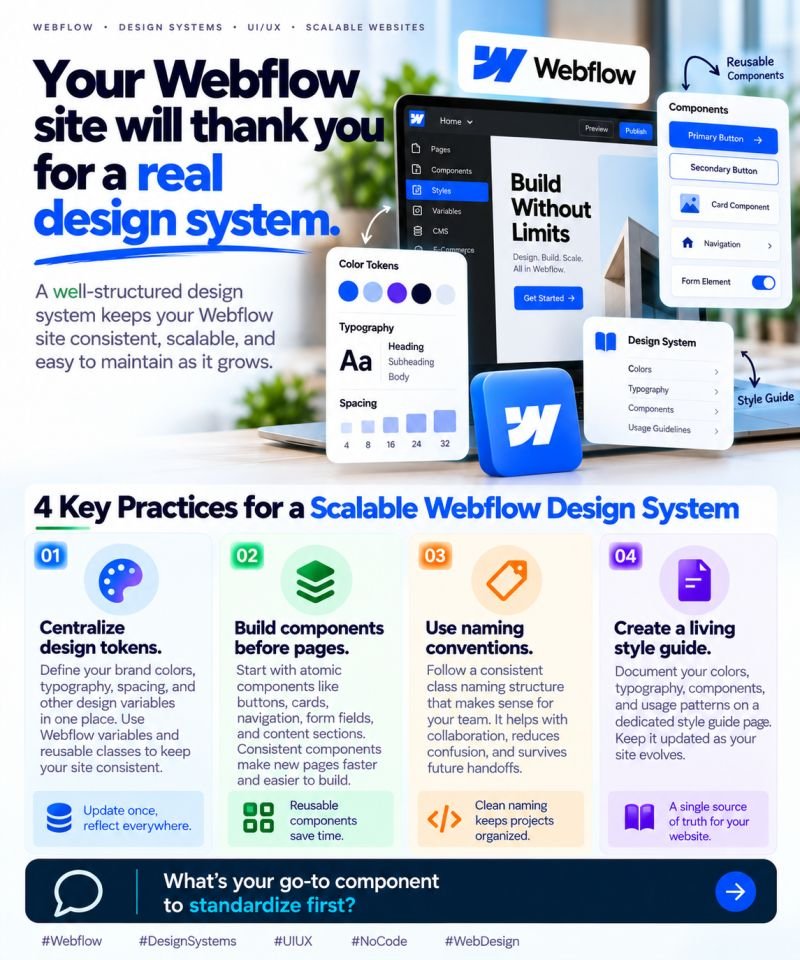
🎨 Your Webflow site will thank you for a real design system.
Building a website that looks good is one thing.
Keeping it consistent, scalable, and easy to maintain as the business grows? That’s where a design system makes a real difference.
Without one, small inconsistencies start creeping in. Buttons look slightly different, spacing varies between pages, and every new section becomes another round of manual adjustments.
Here’s how to build a Webflow design system that actually scales.
🔹 1. Centralize your design tokens
Define your brand colors, typography, spacing, and other design variables in one place. Use Webflow variables and reusable classes to maintain consistency across your website.
🔹 2. Build components before pages
Start with reusable elements like buttons, cards, navigation, form fields, and content sections.
Once your foundations are in place, building new pages becomes faster and more predictable.
🔹 3. Create naming conventions that make sense
A consistent class-naming system helps designers and developers understand how components work, reduces confusion, and makes team handoffs smoother.
🔹 4. Maintain a living style guide
Document your design tokens, components, and usage patterns on a dedicated style guide page. Keep it updated as your website evolves.
A design system should grow with your business—not become outdated documentation.
💡 The business benefit?
Less repetitive work. More consistent branding. Faster page development. Easier maintenance.
A good design system doesn’t restrict creativity. It gives your team a reliable foundation to build on.